
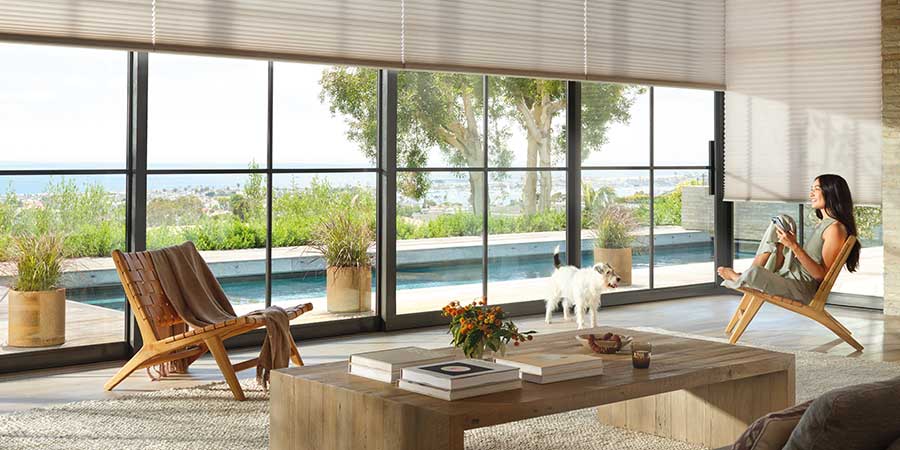
Smart blinds can make everyday light control and privacy easier, but adding technology to your window treatments naturally brings up questions. What’s the difference between smart blinds and motorized blinds? Do they need Wi-Fi? Can you control them from your phone? And do you need a smart home system to use them?
We’ve gathered some of the questions homeowners frequently ask our Skyline Window Coverings team to help you understand how smart window treatments work and what connected features can add to your home.
What Are Smart Blinds?
Smart blinds are motorized window treatments with connected controls that allow you to adjust them using features such as an app, schedules, scenes, voice control or compatible smart-home integrations. Despite the name, “smart blinds” is often used broadly when talking about connected window treatments. Depending on the product, smart technology can be available with shades, blinds, shutters and drapery.
If you’re ready to explore the technology and compatible window treatments available from Skyline, see our motorized shades and smart blinds.
What’s the Difference Between Smart Blinds and Motorized Blinds?
The terms are related, but they don’t always mean exactly the same thing.
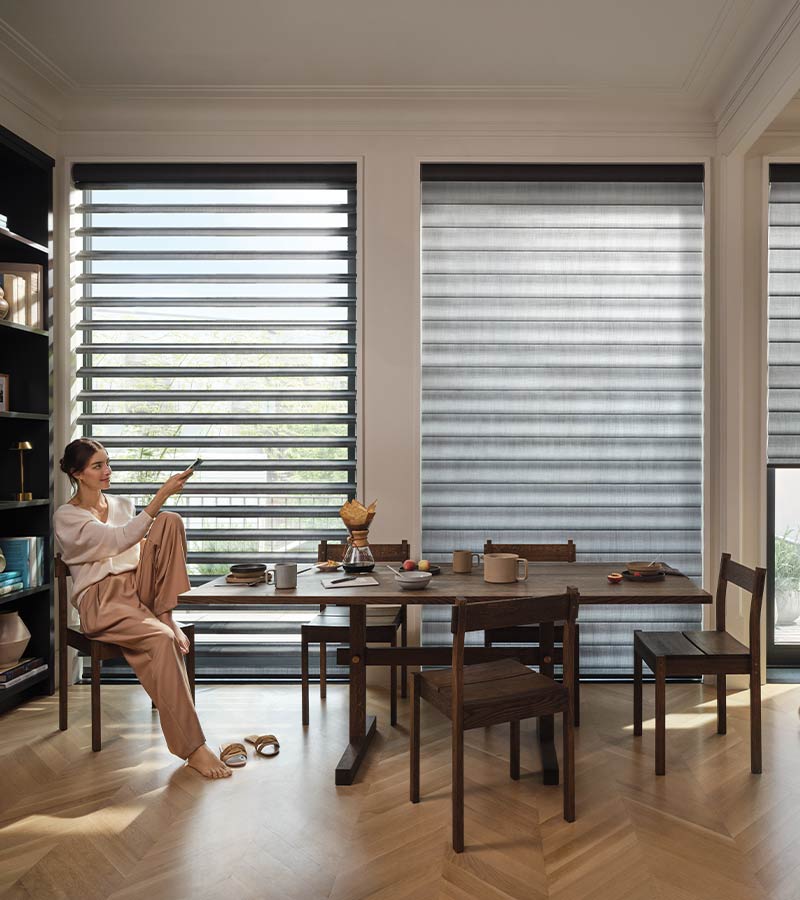
Motorized blinds and shades use a motor instead of requiring you to manually operate the window treatment. Depending on the operating system, control may happen directly at the window or with a remote.
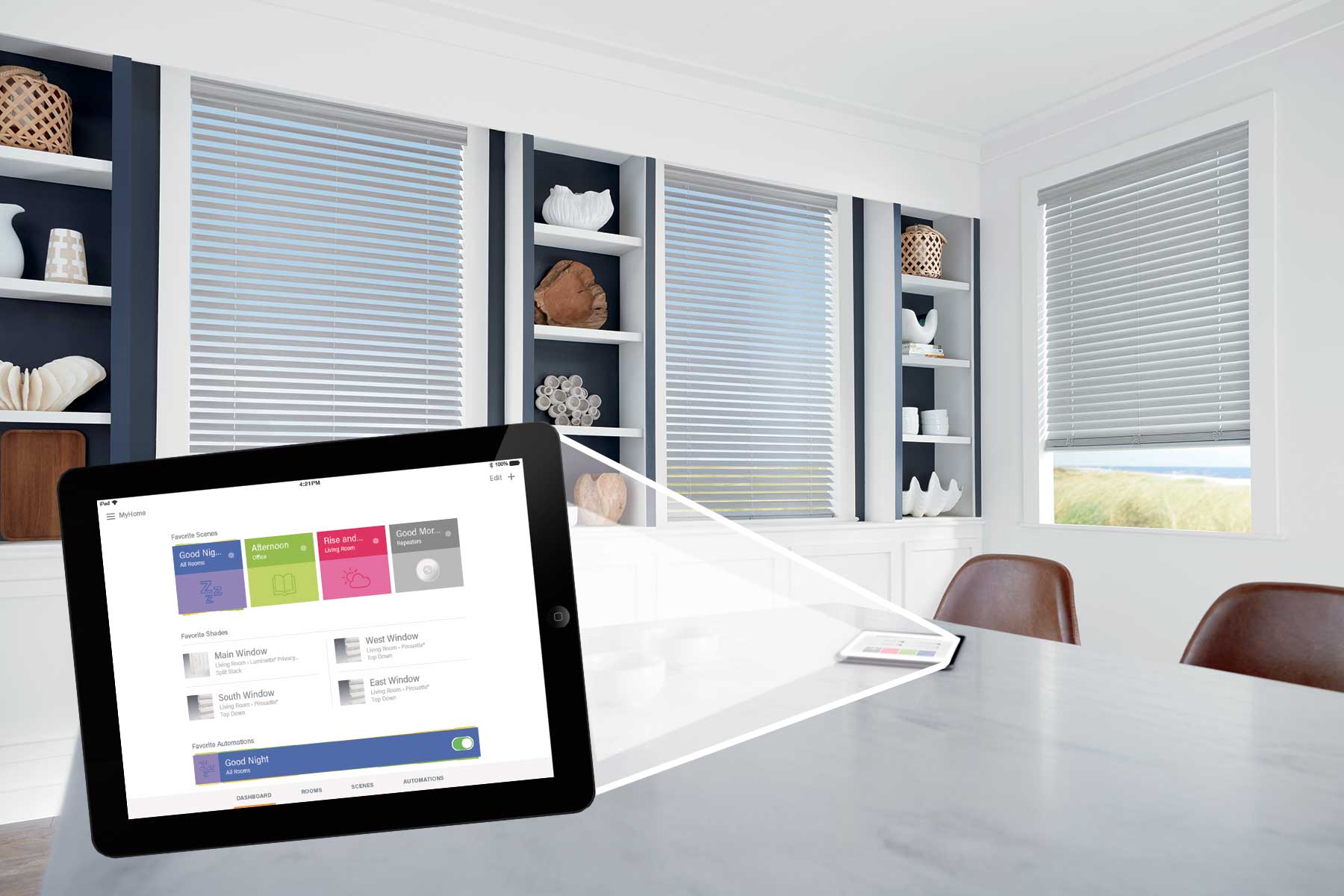
Smart blinds and shades add connected features to motorization. These can include app control, schedules, scenes, voice control and compatible smart-home integrations.
In other words, smart shades are motorized, but motorization doesn’t necessarily mean you need a fully connected smart-home system. You can choose the level of control that makes sense for the way you want to use your window treatments.
Do You Need a Smart Home System to Have Smart Blinds?
No. You don’t need to have a whole-home smart system just to enjoy motorized or connected window treatments. Hunter Douglas PowerView® Automation offers multiple ways to operate compatible shades, including remote and app control. Smart-home integration can add another level of connected control, but it doesn’t have to be the starting point.
That means you can enjoy convenient control of your window treatments without turning your entire house into a smart home.
Do Smart Blinds Need Wi-Fi?
It depends on how you want to use them. Motorized window treatments can offer forms of control that don’t require you to use Wi-Fi for every adjustment, such as operating a compatible system with a remote. Connected features such as app functionality, voice control and smart-home integrations can have additional network and system requirements. Your Skyline designer can help determine what you’ll need based on the PowerView® features and controls you want to use.
Can You Control Smart Blinds With Your Phone?
Yes. Compatible Hunter Douglas PowerView® window treatments can be controlled through the PowerView® App on a smartphone or tablet. The app can also be used to manage features such as scenes and schedules.
Can You Control Smart Blinds With Your Voice?
Compatible smart-home integrations can add voice control to PowerView® window treatments. This provides another hands-free way to make adjustments when your smart shades are connected with a compatible system. Voice control can be especially convenient when your hands are full, you’re already comfortable using voice commands around your home, or you simply don’t want to reach for a remote or phone.
Because smart-home compatibility can change as technology evolves, talk with your Skyline designer about the devices and systems you currently use.
Can Smart Blinds Work on a Schedule?
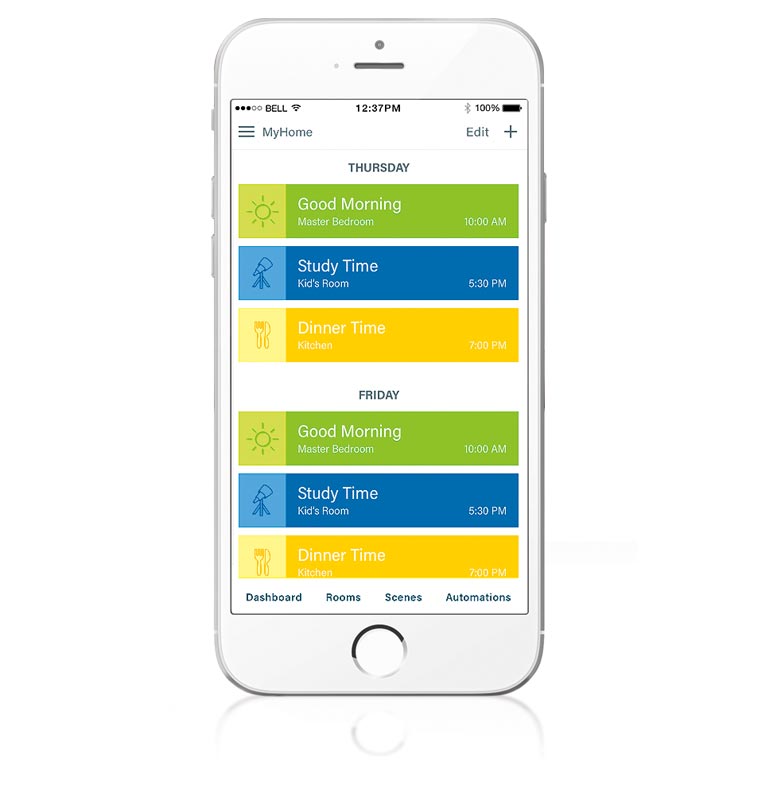
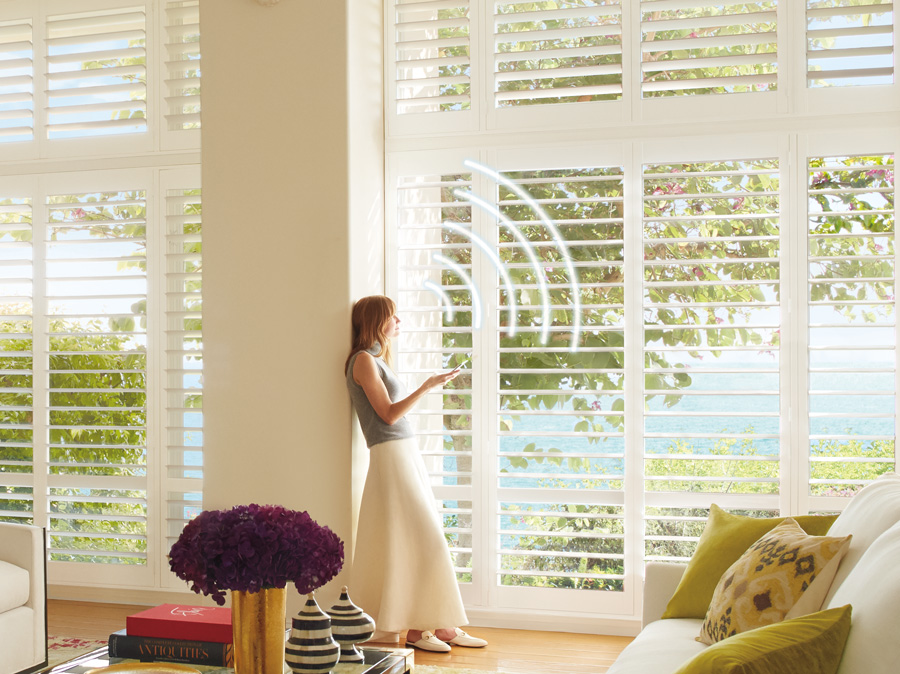
Yes. Scheduling is one of the most useful features of smart shades. Instead of making the same adjustments every day, compatible PowerView® shades can be scheduled around routines such as morning light, afternoon sun and evening privacy.
For example, bedroom shades might open at a preferred time in the morning, while street-facing shades can close as evening approaches. You can also schedule adjustments around periods of predictable direct sunlight.
Can Multiple Smart Shades Move Together?
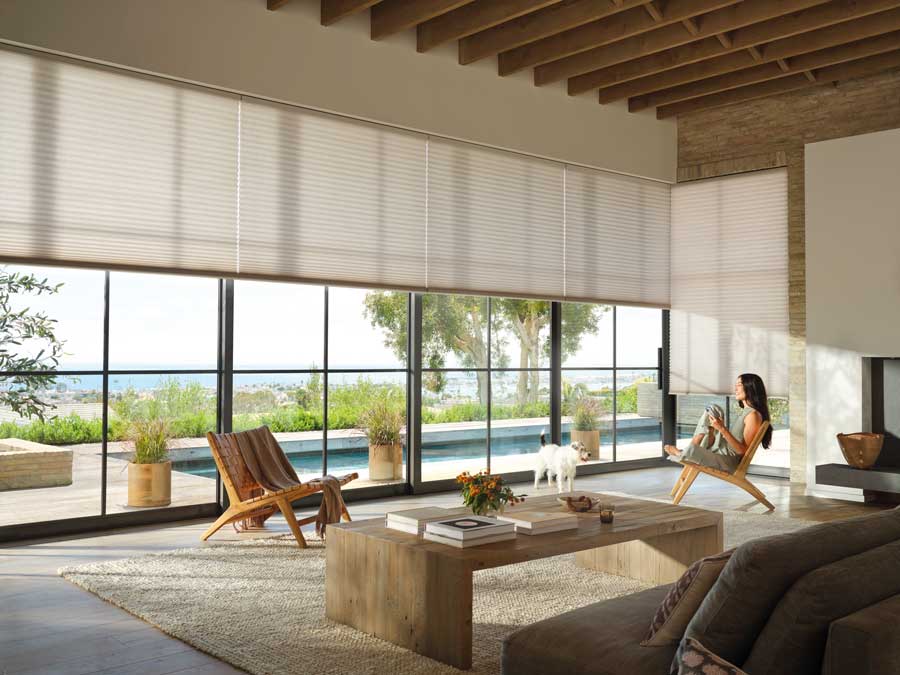
Yes. One of the advantages of a connected shade system is the ability to coordinate multiple compatible window treatments instead of adjusting every shade individually. This can be especially useful in rooms with several windows or large groups of shades. Scenes can help coordinate shade positions for different moments of the day, allowing you to create settings for activities or routines you use regularly.
Can Smart Blinds Work With a Smart Home?
Yes, PowerView® Automation can work with compatible smart-home systems, allowing your window treatments to become part of a larger connected-home setup. The important word is compatible. Smart-home technology changes over time, and the devices or systems you already use can affect the setup you’ll need. Rather than choosing your shades based on an old or generic compatibility list, we recommend discussing your current smart-home technology with your Skyline designer.
What Happens to Smart Blinds If the Internet Goes Out?
An internet outage doesn’t necessarily mean you’ll lose every way to operate your motorized window treatments. Available control methods depend on your particular PowerView® setup and how the system has been configured.
Because remote, app and connected smart-home functions don’t all rely on the system in exactly the same way, it’s helpful to understand which controls will remain available with the setup you choose. Your Skyline designer can walk you through how your specific system will operate if your home’s internet connection is interrupted.
Can You Use Both a Remote and an App?
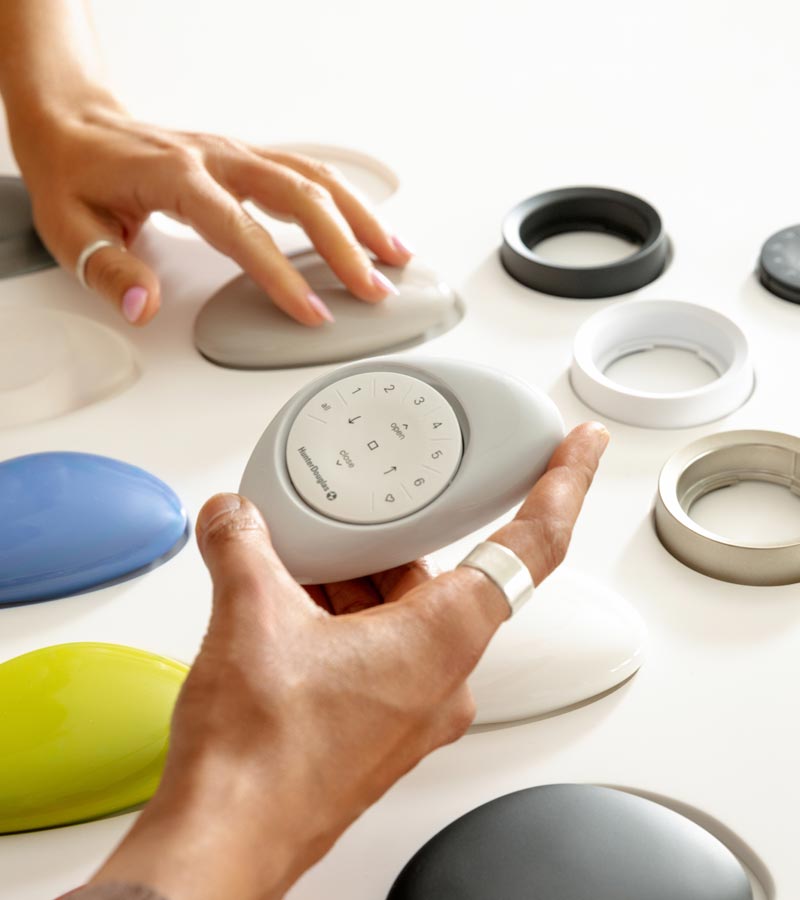
With a compatible PowerView® setup, you don’t have to limit yourself to just one way of controlling your shades. A remote can provide quick access to everyday adjustments, while the app offers connected features such as scenes and schedules. Having more than one control option can also be useful in a household where different people prefer different ways of operating the shades.
Can Smart Blinds Be Adjusted Manually?
No, PowerView automated window treatments cannot be adjusted manually. If having a form of control directly at the window is important to you, let your designer know. Some motorization options are specifically designed to provide convenient operation at the window.
How Are Smart Blinds Powered?
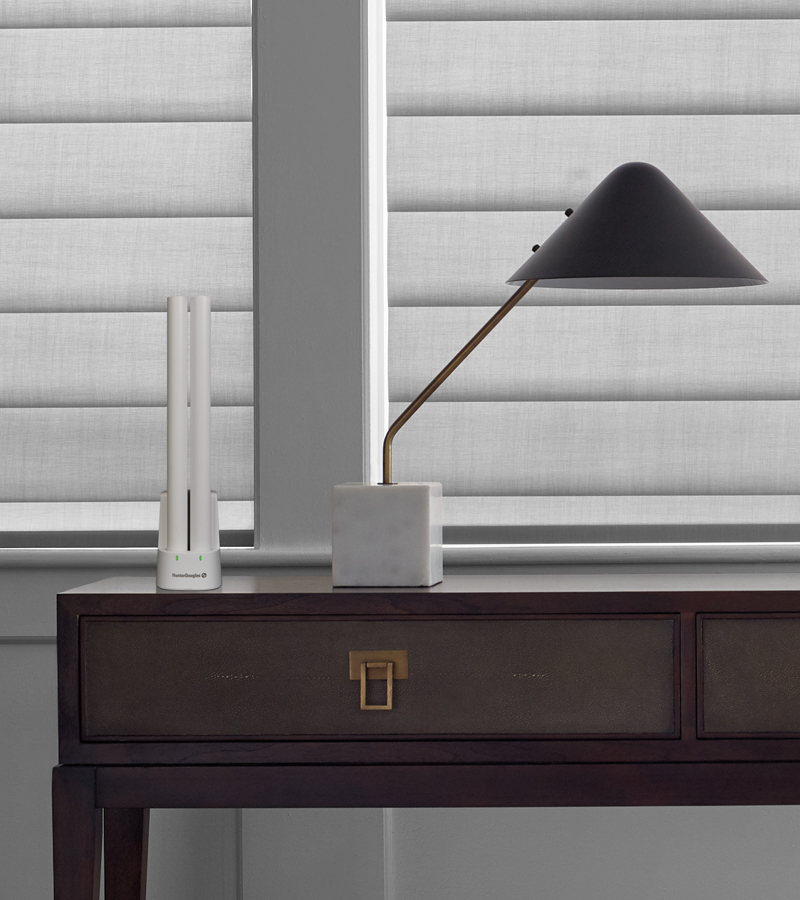
Smart blinds and motorized shades can use battery, rechargeable or hardwired power, depending on the window treatment and system. Compatible rechargeable systems may also offer the Hunter Douglas Solar Charger to help maintain the rechargeable battery.
The power source doesn’t determine whether a shade is “smart.” Smart functionality comes from the connected controls and automation capabilities of the system. If you’re trying to decide which power source or level of motorization makes sense for your home, see our guide to choosing motorized shades and smart blinds. For a closer look at rechargeable power, explore the Hunter Douglas Rechargeable Battery Wand.
Have More Questions About Smart Blinds?
Understanding how smart blinds work is the first step. When you’re ready to compare window treatments, control options and PowerView® features for your own home, our Skyline Window Coverings team can help.
Explore our motorized shades and smart blinds, or schedule your free in-home design consultation to talk through your project with a window treatment specialist.