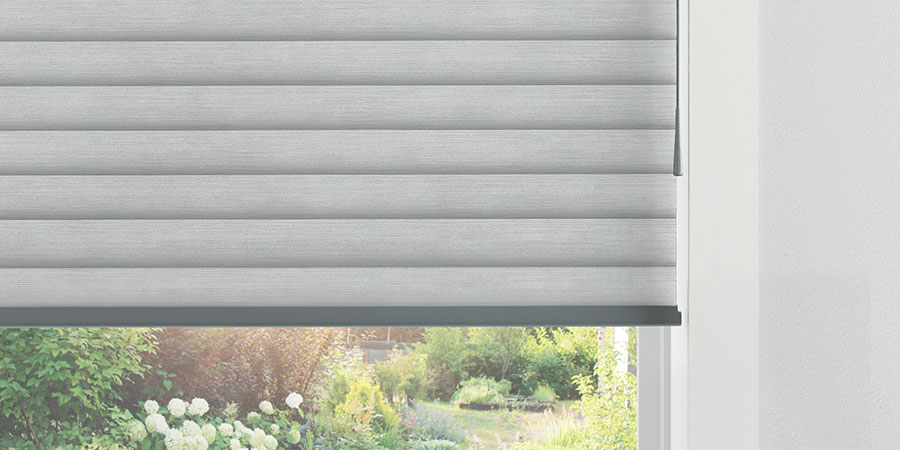
SoftTouch® Motorization offers a simple way to add powered operation to compatible Hunter Douglas shades without relying on an app, remote or smart-home system. Instead, the control is right at the window: a gentle pull on the wand activates the motor and adjusts the shade.
If you like the convenience of motorization but prefer straightforward, individual-window control, SoftTouch can be an excellent option. Let’s take a closer look at how it works.
What Is SoftTouch® Motorization?
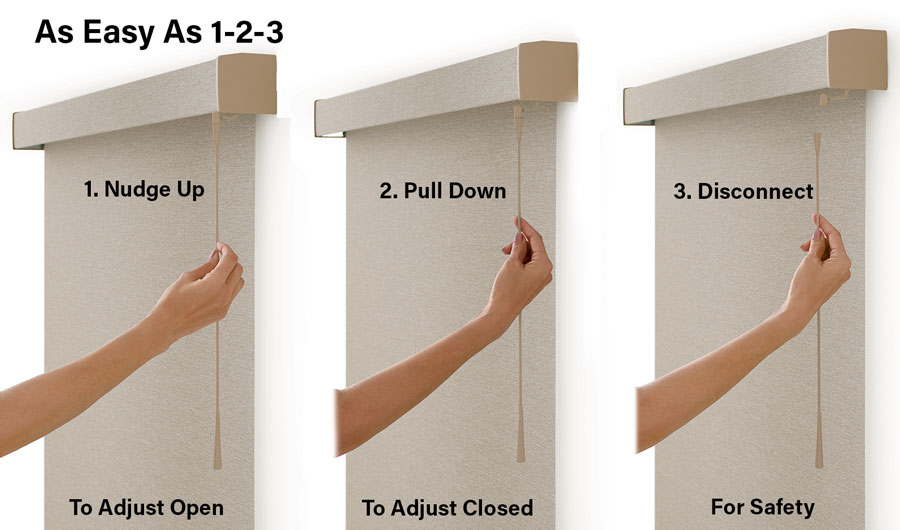
SoftTouch® Motorization is a battery-powered operating system available with compatible Hunter Douglas window shades. Instead of manually raising or lowering the shade, you use a wand positioned along the side of the window treatment to activate the motor.
A gentle pull down on the wand lowers the shade, while a gentle push up raises it. The motor does the work of moving the window treatment.
SoftTouch is selected as the operating system for the shade, so it’s something to discuss with your Skyline designer when you’re choosing your window treatments.
How Does the SoftTouch Wand Work?
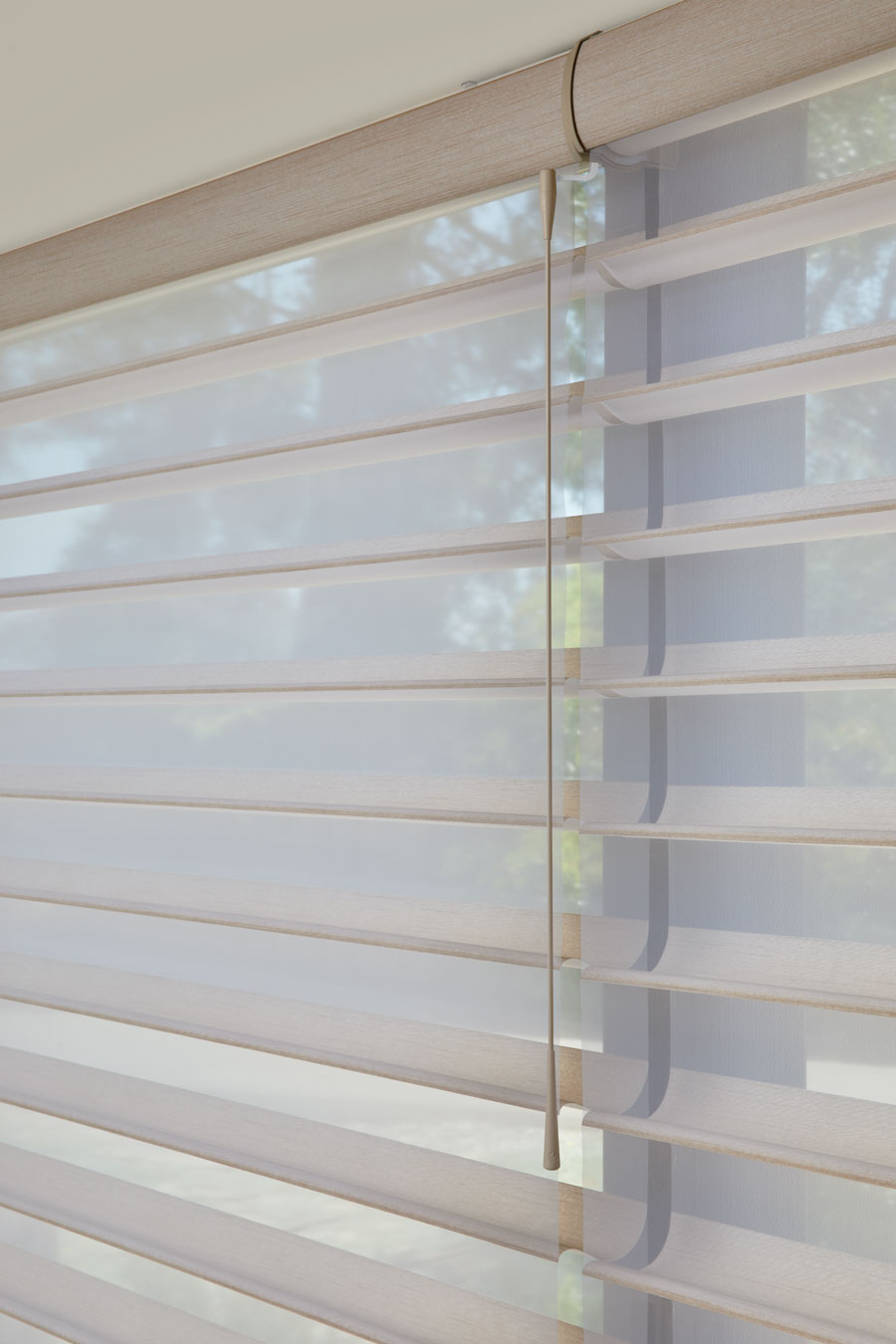
The SoftTouch wand hangs along the edge of the window shade, keeping the control within easy reach without requiring a separate remote or smart device.
The wand is designed to provide simple control directly at the window. Instead of pulling on the shade itself, you use the wand to signal the motor to make the adjustment. The wand also detaches from the shade if excessive force is applied.
What Does SoftTouch Look Like at the Window?
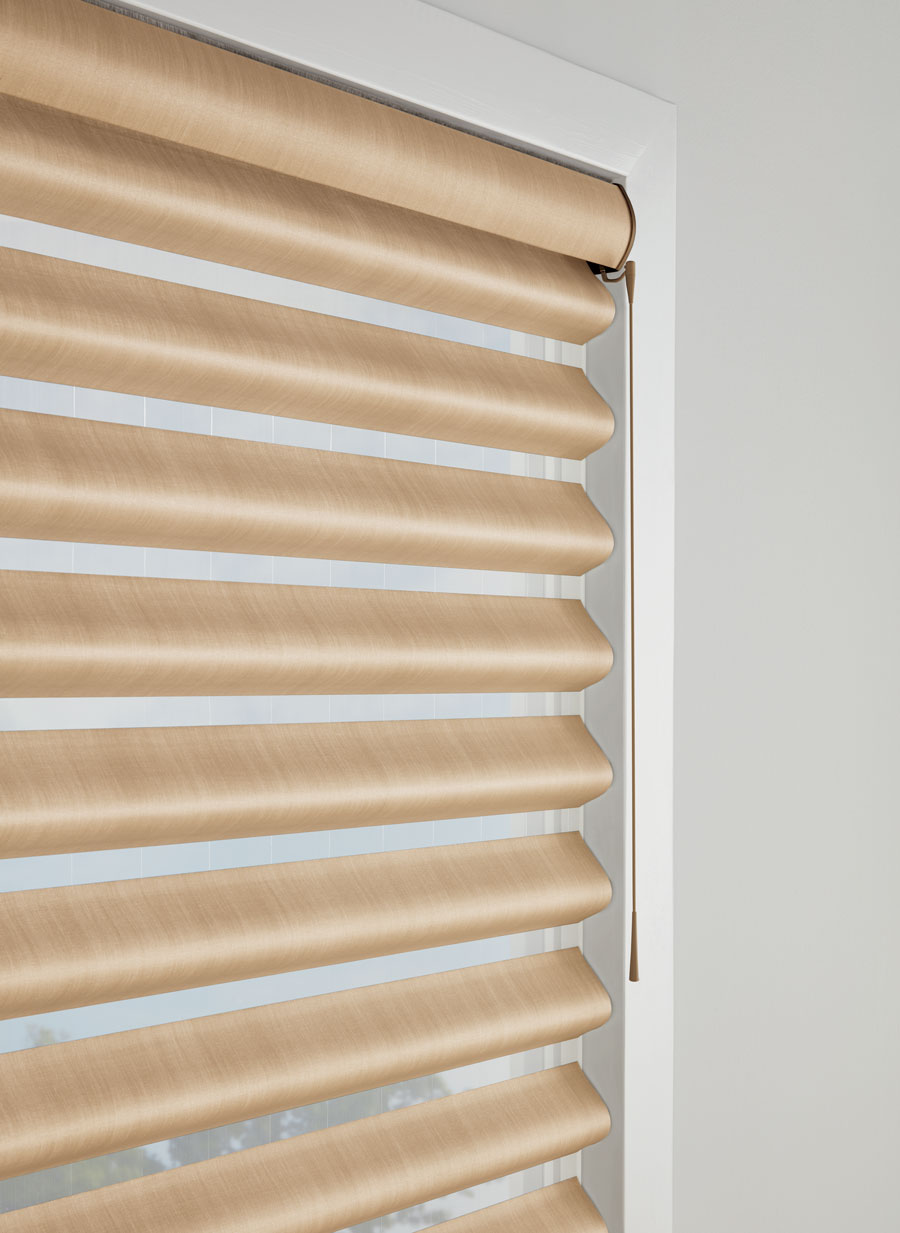
One of the appealing features of SoftTouch is its simplicity. The slim wand sits along the edge of the window treatment, providing convenient access without taking attention away from the shade itself.
Available wand options can coordinate with the window treatment, helping the operating system blend into the finished design. Your designer can also help determine the appropriate wand length for comfortable access at the window.
Which Window Shades Offer SoftTouch® Motorization?
SoftTouch is available with select Hunter Douglas window treatments. Availability can vary by collection and configuration, so your Skyline designer can confirm whether SoftTouch is offered with the shade you’re considering.
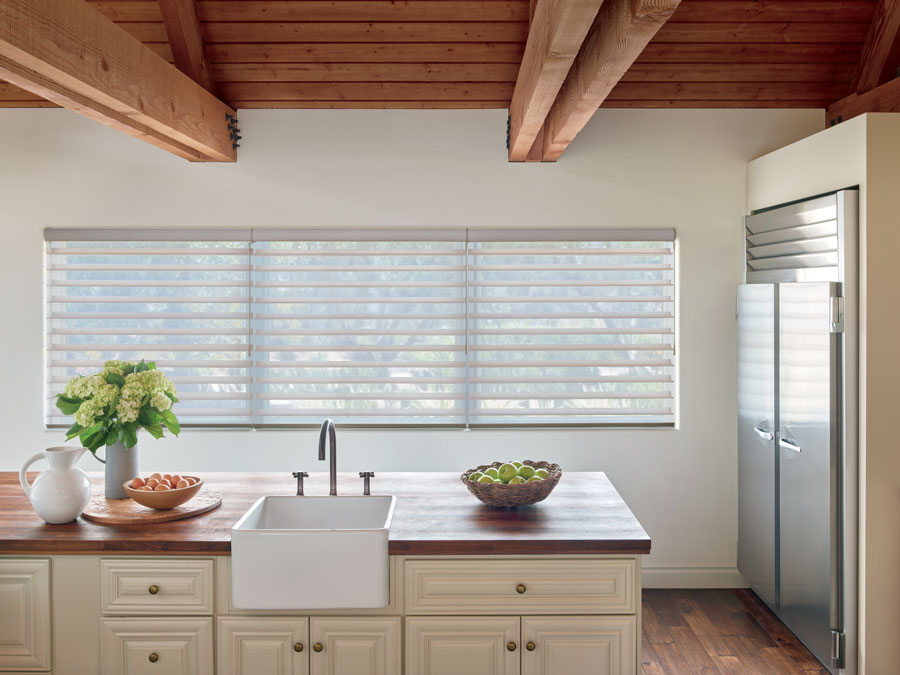
The system has been featured with collections such as Pirouette® Window Shadings and Silhouette® Window Shadings, combining powered operation with the light-control features of these popular shade styles.
Who Is SoftTouch® Motorization Best For?
SoftTouch can be a good fit when you want the convenience of a motorized shade but don’t need connected smart-home features.
Consider SoftTouch if you:
- Want simple motorized operation at an individual window
- Prefer a control that stays right at the shade
- Don’t want to use an app or remote for everyday adjustments
- Want the motor to raise and lower the shade rather than operating it manually
- Only want to motorize certain windows rather than coordinate multiple shades throughout the home
Because you operate SoftTouch at the window, it makes the most sense where the wand itself is comfortably accessible. For very tall or hard-to-reach windows, a remote-controlled or connected motorization system may be more practical.
SoftTouch® vs. PowerView®: What’s the Difference?
Both SoftTouch® and PowerView® provide motorized operation, but they’re designed for different types of control.
SoftTouch® Motorization provides individual control directly at the window. A gentle movement of the wand activates the motor, making it a straightforward option when you don’t need connected automation.
PowerView® Automation offers additional control options for compatible window treatments, including remote and app control, along with features such as scenes, schedules and compatible smart-home integrations.
If you simply want powered operation at the window, SoftTouch may provide everything you need. If you want to coordinate multiple shades or use connected controls, PowerView may be the better fit.
Looking for app, remote, voice or scheduled control? Explore our PowerView® motorized shades and smart blinds.
Is SoftTouch® Right for Your Window Shades?
The best operating system depends on both your window treatment and how you want to use it. SoftTouch keeps motorization simple: the control stays at the window, while the motor handles the movement of the shade. A Skyline designer can show you SoftTouch® and PowerView® options, confirm which operating systems are compatible with the window treatments you’re considering and help you decide which level of motorization makes sense for each window. Schedule your free in-home design consultation to explore your options.